
Seneca County Case Search Boundaries
Ohio runs no single statewide trial-court search that covers Seneca County. The local systems are what matter. For a Seneca County case search, pick the portal that fits the court level and subject. The Common Pleas Clerk's Case Inquiry handles Common Pleas General and Domestic Relations material. Municipal CaseLook takes traffic, parking, misdemeanor criminal, civil, and small-claims matters. Probate keeps a separate CaseLook portal of its own.
The U.S. Court of Appeals for the Sixth Circuit publishes the official page. It backs this Seneca County case search image.
The Sixth Circuit sits outside this picture. It is a federal appellate court, not a substitute for a Seneca County trial-court search. The local Common Pleas Case Inquiry does flag appeal material from the Ohio Third District Court of Appeals. That court again sits apart from the Municipal and Probate systems.
The Northern District of Ohio CM/ECF page is the official source. It stands behind this Seneca County case search image.
That federal electronic filing interface stands apart from the county portals too. Local Henschen eFiling and ECF are filing channels rather than public case readers.
Searching Cases by Name
A Seneca County name search works best when you match the portal to the likely court first. The Common Pleas Case Inquiry and the Municipal Record Search both expect names in a local last-first-middle Name/Company format. Probate supplies its own name field. With a common name, add the court, case type, or dates. That helps you sort out likely matches.
- Choose Common Pleas, Municipal, or Probate based on the case type and court level.
- Accept the portal notice and enter the name in last-first-middle order.
- Use a case-type filter or relevant date when the portal offers it.
- Complete the CAPTCHA and open the matching case or calendar result.
- Confirm the case number and court before relying on a docket entry.
Municipal CaseLook provides the most detailed published search-field capture in the local research.
| Field label | Type | Required | Local format or options |
|---|---|---|---|
| Name/Company | Text | Unspecified | Last, space, first middle; maximum 30 characters. |
| Hearing Date | Date controls | Optional | Month, day, and year selections. |
| Case Number | Text | Optional | Numbers only, no letters; maximum 12 characters. |
| File Date | Date controls | Optional | Month, day, and year selections. |
| Ticket Number | Text | Optional | Separate search route; maximum 32 characters. |
| Case type | Checkboxes | Preselected | Traffic, Criminal, Civil, Small Claims, or Parking. |
Seneca County Case Search Name Fields
Common Pleas lets you search by Name/Company, Hearing Date, or Case Number. Municipal CaseLook adds File Date and Ticket Number. Each portal is built around one main criterion at a time, not an all-fields query. Where you know the court but not the case category, keep every case-type box selected. Narrowing the type cuts unrelated results when you do know it.
Every CaseLook-style public search here runs a CAPTCHA before your query goes through. That step just verifies a human. It proves nothing about whether the search was complete. When speed matters, the clerk confirms results.
Note: a name search only surfaces possible matches. So confirm the court and case number before reading a docket as the right matter.
Searching by Case Number
For a known Seneca County case, a full case number is the fastest route. Each court formats numbers its own way. Common Pleas shows 20CR1234 as a local criminal example. Municipal and Probate CaseLook both tell users to type numbers only, no letters. Copy the number exactly as it appears on a court paper. A Common Pleas-style prefix will not fit the Municipal field.
Traffic adds one wrinkle. The Municipal portal also offers a Ticket Number route. The local payment information shows one traffic citation linked to related cases such as TRD10000001A, TRD10000001B, and TRD10000001C. That cited format does not change the numbers-only rule for the Municipal CaseLook case-number field.
Seneca County Case Number Rules
The most common local case-search mistake is a right number in the wrong court's format. A Common Pleas year-plus-letter pattern works only for a Common Pleas query. Municipal and Probate fields expressly reject letters in the case-number box. If the number bounces, first confirm which court issued it. Then try that portal's ticket or name route if one exists.
Probate CaseLook also separates case records from historical birth and death record searches. One portal can hold both tabs. That does not make a vital-record question a probate docket search.
What a Case Search Returns
A Seneca County case search works in layers. The search fields identify a possible case. The result screens show likely matches. The case record itself carries the chronological history, while Calendar Search covers date-range settings. A remote display is fine for finding the right court and file, but an authenticated document or verified answer comes from the clerk.
| Case number | The court's unique identifier, such as the Common Pleas example 20CR1234 or a number-only Municipal entry. |
|---|---|
| Case style or caption | The title that identifies the parties or opposing sides in the court matter. |
| Case type | A local category filter, such as Criminal, Civil, Domestic Relations, Traffic, Estate, or Guardianship. |
| Filing or hearing date | The date a paper was recorded or a court event was assigned. |
| Docket activity | Chronological filings, orders, settings, continuances, and a recorded disposition when one exists. |
Docket activity can lag at least 24 hours behind a filing or judicial action. When timing matters, check the calendar line with the court.
Seneca County Case Search Result Limits
The Common Pleas, Municipal, and Probate interfaces let you choose 25, 50, 100, or 250 matches per page. That setting only changes how many results display. It never widens the scope of a court's records. A broad name query may still need a narrower case type, date, court, or spelling.
Local search tip: Use the smallest useful set of facts. A name plus the correct court is often better than a broad county-wide assumption, because Seneca County does not have one unified public trial-court docket.
Statewide vs County Case Search
Ohio has no statewide trial-court docket search that replaces Seneca County's local Case Inquiry and CaseLook systems. That gap surprises people. The Ohio Courts Network connects courts behind the scenes. But it is not a single public portal for county case lookup. So the real choice is between the local Seneca County court portals themselves. Comparing a county screen to some imagined statewide substitute just misstates what exists.
| Search path | Coverage | Best use |
|---|---|---|
| Common Pleas Case Inquiry | General and Domestic Relations material, including felony criminal, civil, domestic relations, judgment liens, and local appeals | Known Common Pleas case or Common Pleas setting |
| Municipal CaseLook | Traffic, parking, misdemeanor criminal, civil, and small claims | Municipal case, ticket, or Municipal calendar date |
| Probate CaseLook | Probate categories such as estate, guardianship, marriage, trusteeship, and related records | Known Probate case, not a Juvenile case assumption |
Seneca County Case Search Local Portals
Probate runs its own search tool. The court's CaseLook search stands apart from both the Common Pleas and Municipal docket systems, and it offers filters the other portals lack: Name/Company, a numbers-only Case Number field, File Date, case-type checkboxes, result-size controls, and CAPTCHA. Case categories cover Civil, Estate, Guardianship, Marriage, Miscellaneous, and Trusteeship. Two extra tabs, Birth Record Search and Death Record Search, pull vital records rather than probate case dockets. The official Probate CaseLook page shows the form Seneca County case search visitors will actually meet.
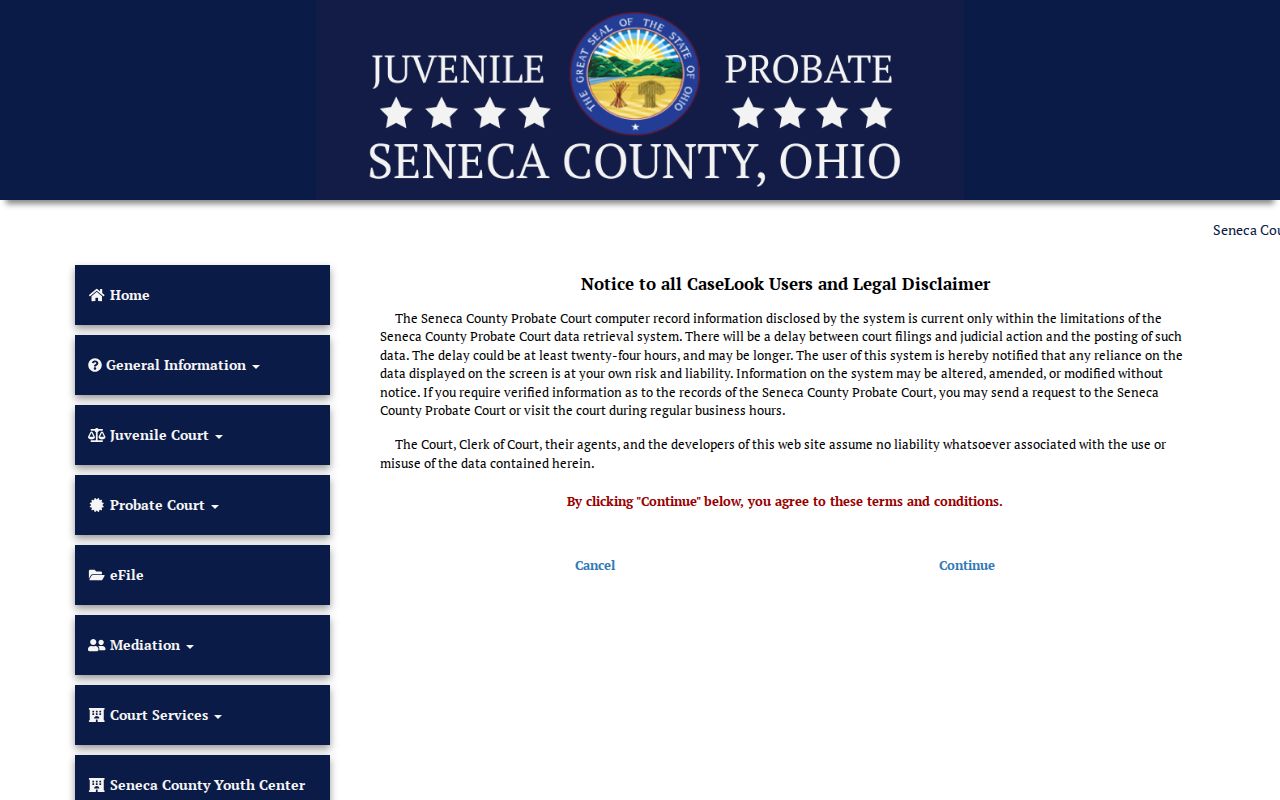
Those dedicated filters make Probate a useful third path for Seneca County court docket work when the matter is an estate, guardianship, marriage, trust, or another probate category. One caution applies. Nothing in a Probate result implies access to confidential Juvenile files.
Access and Restricted Cases
Access to Ohio court records rests on the Supreme Court's Rules of Superintendence. Those rules presume public access. They also govern remote access, redaction, and restriction. So a Seneca County docket entry that is sealed, confidential, or court-restricted may not show up online. It may also appear only in part. The Clerk's public-records form is a local fallback for records the Clerk administers. It cannot be used to work around the court-record access rules.
Juvenile Court runs separately. Its sensitive categories, including juvenile delinquency and juvenile traffic, call for a direct check with that court. Do not assume that a empty public result means no record exists. R.C. 2151.141 sets release limits in identified circumstances. Meanwhile R.C. 2953.32 covers sealing and expungement for identified adult conviction and bail-forfeiture records.
For any Seneca County case search involving juveniles, the official Seneca County Juvenile and Probate Court site is the place to start.
A Juvenile access question deserves a phone call. Reach the Juvenile Division at 419-447-4912 with the relevant case context. That direct route beats treating a Probate CaseLook result as a complete juvenile search.
Seneca County Case Search Delays
Expect lag in what you see. Both the Common Pleas and Municipal portals warn that data can post at least 24 hours after a filing or judicial action. So a recent filing, reset, order, or disposition may be absent or stale even when the query is entered perfectly. Freshness and search skill are simply different problems in a Seneca County case search.
When the question is a setting, open the Calendar Search tab. Use the court that owns the case. Then confirm any near-term date with that court directly. A case search and a calendar search answer different local questions.
Seneca County Case Calendar Route
Calendar Search answers when a court event is set, not whether a case exists. The Common Pleas version requires a Beginning Date. It takes an optional Ending Date and filters by Appeals, Civil, Criminal, Domestic Relations, Judgment Lien, or Miscellaneous. No courtroom, judge, setting-type, or attorney filter appears on the form.
Municipal CaseLook has its own Calendar Search tab. Tiffin and Fostoria share that system. But local location and geographic jurisdiction still determine the clerk and courtroom path. The right calendar search is court-specific, never an all-county master schedule.
Note: A Calendar Search result identifies a possible setting. The court itself controls the actual date and any change to it.
Seneca County Case Search Verification
When a portal falls short, work the fallback chain for that court. For Common Pleas, try Case Inquiry or Calendar Search. Then use the Clerk Legal Department at 419-447-0671, the Suite 101 counter, or the Clerk's request form for copies. For Municipal Court, try CaseLook or the payment-record lookup. Then contact the Tiffin or Fostoria clerk, the proper counter, or send a written request. For Probate, use Probate CaseLook. Then call 419-447-3121 or visit the Probate counter.
Verified information and certified copies come only from the clerk or court that holds the original record. Filing through an electronic system is not the same as reading a public case record. Keep that distinction in mind whenever a Seneca County docket display looks incomplete, a date matters, or an official copy is needed.