
Seneca County Court Records Searches
Start any online search by picking the right court. The Common Pleas Court Case Inquiry covers one court. It handles civil, felony, domestic relations, judgment-lien, and local appeal material for that court. Municipal and Probate each run their own separate CaseLook systems. Juvenile records work differently. Contact that court directly rather than assuming a general public search exists. A portal is good for finding a case or a setting. The clerk still keeps the underlying file. A locating search and a records request are two different steps.
How to Get Court Records
Match the case to the court first. The Seneca County Clerk of Courts has a Legal Department. It holds Common Pleas General and Domestic Relations filings, covering civil, felony, domestic relations, judgment-lien, and local appeal material. Tiffin-Fostoria Municipal Court keeps its own traffic, misdemeanor, civil, small-claims, and parking files. Probate and Juvenile each have separate clerks. Ohio has no statewide public trial-court search that replaces these local channels. One countywide request will not reach every division. For locating a case, turn to the Common Pleas Court Case Inquiry, Municipal CaseLook, or Probate CaseLook. The right one depends on the subject. Both CaseLook systems carry a caution. A filing or court action may take at least 24 hours to post. A screen result helps identify a case. Verified information and copies come from the clerk or the court counter.
- Identify the court, case number, caption, and exact item wanted, such as a docket, order, or certified judgment.
- Use the court's local online search to locate the case or confirm its current setting.
- For Common Pleas records, call the Legal Department at 419-447-0671, visit Suite 101 at 103 E. Market Street in Tiffin, or submit the clerk's written request form by mail or at the counter.
- For Municipal, Probate, or Juvenile material, contact that division's clerk rather than sending the request to the Common Pleas Legal Department.
- Ask whether an ordinary copy, certified copy, transcript, or another record channel applies, then pay any documented charge before release.
Seneca County Court Records Custodians
The Justice Center houses several courts under one address. That does not mean one records office serves them all. The Legal Department preserves Common Pleas pleadings and handles that court's file requests. The Tiffin-Fostoria Municipal Court Clerk holds lower-court records at the Tiffin and Fostoria locations. Probate and Juvenile clerks maintain their own divisions' files. This split matters most in two situations. One is a search that returns nothing. The other is a request for a document rather than a docket entry. The clerk's public-records form is a practical route for Common Pleas requests. It asks for a case number, a caption, and the records you want. No purpose statement or name is required. Contact information helps the office clarify and complete the request. The form permits cash or check payment. It describes a limit on mailed delivery unless you provide a written noncommercial-use certification.
Seneca County Court Records Delays
Both the Common Pleas Case Inquiry and Municipal CaseLook carry the same warning. Filings and judicial action can take at least 24 hours to appear online. Sometimes the wait runs longer. So a freshly updated screen is unreliable. It is not a solid basis for a current court date or a document request. When verified information matters, call the clerk. The counter works too, especially when an expected result has not posted yet.
Types of Court Records
A docket search, a case file, and a certified copy are three different things. The docket is the chronological register, logging every filing, setting, and order in a case. Filed papers are the underlying documents themselves. A certified copy is one the clerk or court has authenticated for official use. Which one you need depends on your goal. You might be locating a case, reading a filing, or obtaining an official copy. Ask for the right type from the start.
- Common Pleas civil, felony, domestic relations, judgment-lien, and Third District appeal records held by the Clerk's Legal Department.
- Municipal traffic, parking, misdemeanor, civil, and small-claims case files held by Tiffin-Fostoria Municipal Court.
- Probate estate, guardianship, trust, marriage, and related probate files held by the Probate Court.
- Juvenile delinquency, traffic, custody, support, and related files, subject to direct court-specific access checks.
- Separate transcripts, which are produced through the court reporter process rather than as a routine clerk printout.
Know the document category before you call or write the clerk. That one step helps the office route your request to the court or person who can actually supply the record.
Seneca County Court Records Form
The Common Pleas request form is a paper channel. It is not a guarantee that every court document flows through the same process. It lists ten cents for a one-sided black-ink page. Estimated copy costs may be collected before any work begins. The form lists no certified-copy price. It gives no processing time for Common Pleas either. Confirm those details with the Legal Department before requesting anything that needs authentication. The Clerk's public-records request form goes to the Common Pleas clerk only. A Municipal, Probate, or Juvenile record belongs with its own custodian. Ohio's general public-records framework is no shortcut around those court-specific access rules.
What a Court Record Contains
The public portals identify a case through search fields. The case record itself holds the event history and everything filed in it. Not every case shows every field. Case numbers also vary by court. Common Pleas displays an example like 20CR1234, while Municipal CaseLook tells users to enter case numbers as numbers only, with no letters. That difference alone trips up plenty of docket searches. So read each portal's own instructions before assuming a format.
| Case Number | The court's identifier, used to locate the file and request a specific record. |
|---|---|
| Caption and Parties | The case title and party roles that help distinguish matches in a name search. |
| Docket Entries | Dated lines showing filings, orders, settings, continuances, and dispositions. |
| Pleadings and Orders | The filed complaint, motion, answer, journal entry, judgment, or other court paper when accessible. |
| Hearing Information | A setting or hearing date that should be checked with the relevant court because online posting can lag. |
The Probate Court's historical-record information shows that some older material follows a distinct written-request route. A historical search is not the same thing as an online current-case result.
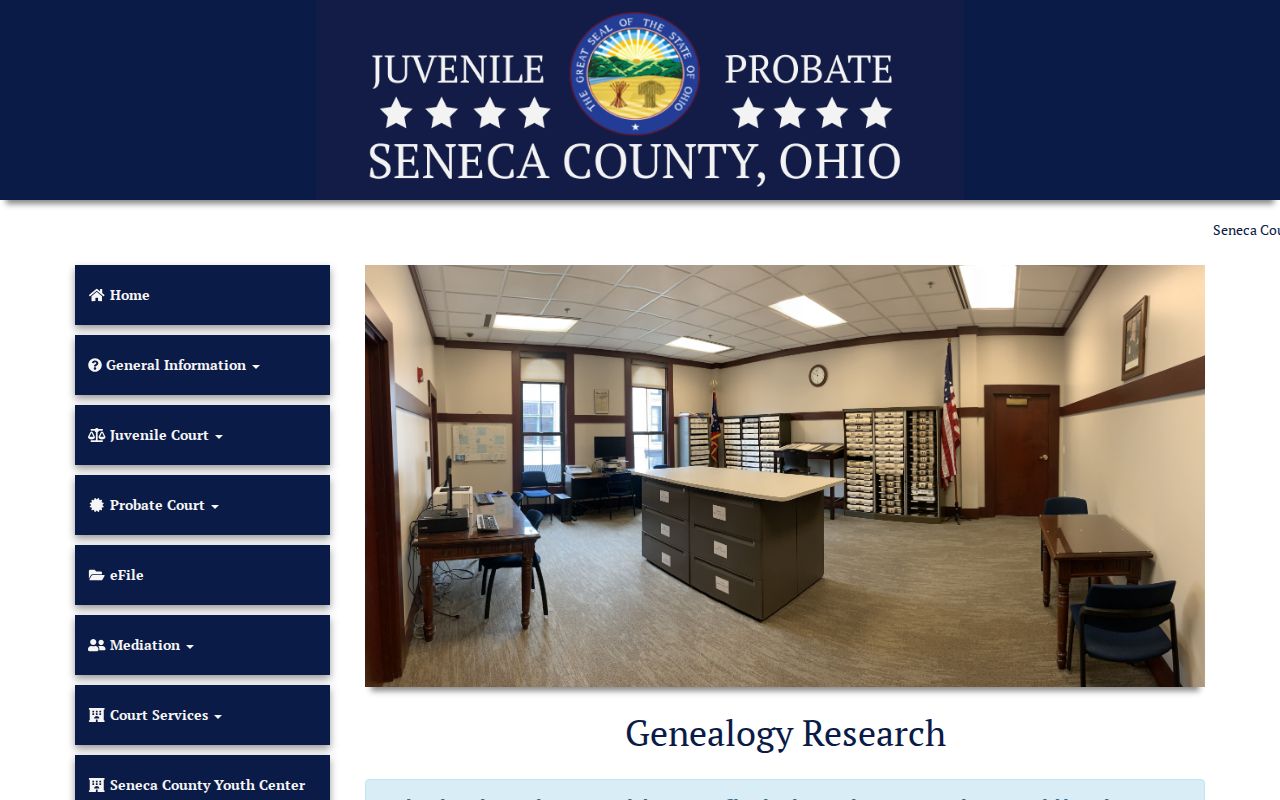
That separate route earns its keep when the record you need predates an online index or requires a Probate staff search. Ask the court before assuming the older file is beyond reach.
Seneca County Court Records Transcripts
A transcript is not the same thing as a court docket. It is the written record of what was actually said in a proceeding. Under Common Pleas local Rule 1.05, official proceedings are digitally recorded. A judge may appoint an official reporter to produce the transcript. You contact and pay that reporter yourself. Expect a deposit, an estimate, or full payment up front. The local rule sets the ceiling. It allows $6.40 per page for an original transcript and ten cents per page for copies.
Exhibits follow a different path entirely. The court holds them for at least 60 days after a final appealable order. After that it may tell counsel or the parties to pick them up before disposal. So before you request anything, ask the court what you need. Ask whether it is an exhibit, a transcript, or a simple clerk copy. Each route has its own fees and its own handling.
Certified Copies and Fees
An ordinary copy just reproduces a page. A certified copy comes with authentication from the clerk or the court. That is what most agencies want. Municipal Court posts the clearest local copy schedule. The Common Pleas request form, by contrast, lists only its black-and-white page charge. Probate publishes costs for certain transcript and historical-record work. If a fee is not published, confirm it with that court directly. Never borrow another court's numbers.
| Item | Amount |
|---|---|
| Common Pleas one-sided black-ink copy | $.10 per page |
| Municipal ordinary copy | $.25 per page |
| Municipal certified copy | $3 per page |
| Municipal authenticated or exemplified copy | $5 |
| Municipal certificate of judgment | $10 |
Probate Court's published cost information breaks out transcript and certification charges from an ordinary docket search.
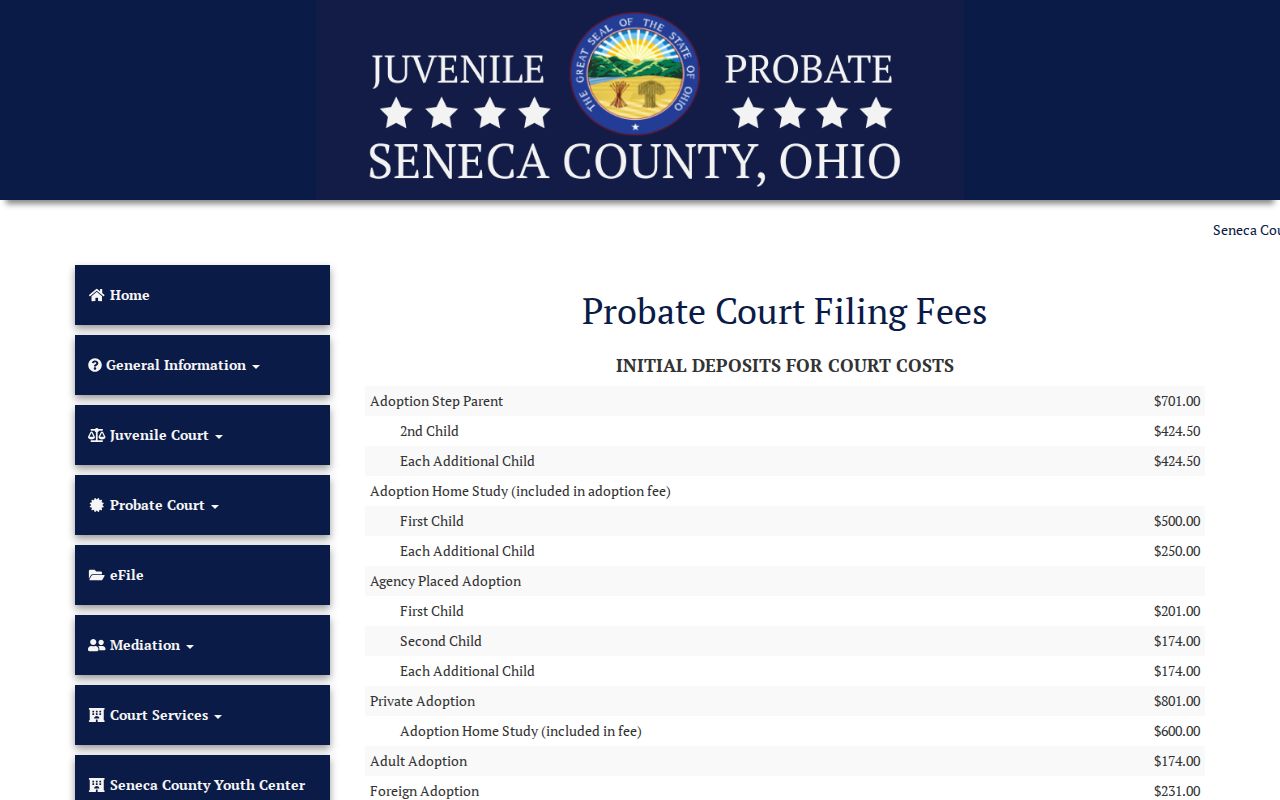
For a current Probate document, ask the Probate clerk what fee applies. A historical genealogy rate does not control every case file.
Seneca County Clerk of Courts, Legal Department
103 E. Market Street, Suite 101
Tiffin, OH 44883
419-447-0671
Seneca County Court Records Archives
Probate runs a defined genealogy service for historical lookups. You send a written request to the Probate Court. You pay $5 to search up to five names, and then five cents for photocopies or $1 for certified copies. Those prices apply only to that genealogy service, not to ordinary probate filings. Birth and death historical searches sit on their own portal tabs. They are not probate case dockets.
Common Pleas Case Inquiry reaches back to records from January 1, 1993. Anything older may not surface online. So identify the court and ask its clerk what format the record takes and how to request it. Seneca County has no single universal archive process. The clerk is always the right starting point for an old court record.
Public Access and Sealed Records
Ohio court records answer mainly to the Supreme Court's court-record access rules. They are not governed just by the Ohio Public Records Act. A local clerk's request form is a handy channel. It cannot override a redaction rule, a restriction, or a court order. Online case files can lag, too. A search that returns nothing does not prove no record exists.
Common Pleas local rules restrict whole categories from public access. The list covers psychological reports, guardian ad litem reports, home studies, assessment reports, victim-impact statements, school records, genetic testing, juvenile records, competency reports, presentence reports, expungement materials, counseling records, and documents with personal, health, or financial information. Juvenile access means a direct check with that division. Sealed or restricted records may be unavailable remotely. They may be unavailable in full even at the counter.
Key Rules:
Ohio Rules of Superintendence 11.09-11.16 set the current public-access, remote-access, redaction, restriction, and bulk-distribution framework for court records.
Ohio Revised Code 2303.12 requires Common Pleas clerks to keep statutory records and provides for online general-docket access subject to exceptions.
Ohio Revised Code 2151.141 places limits on release of juvenile records in specified circumstances.
Seneca County Court Records Restrictions
A hit on a public search does not promise full access. Not every page in the file can be viewed or copied from home. Court access rules permit redaction and restriction. A statute or court order can wall off a particular record. The right clerk can explain how to ask. No clerk, though, can convert a restricted item into a public copy.
Juvenile records call for a call to the Juvenile Division with the case context. Treat a Probate no-result search as a prompt to look further. It is not a final answer.
Seneca County Court Records in Federal Court
Federal dockets live apart from Seneca County court files. You will not find a federal case in the Common Pleas, Municipal, Probate, or Juvenile search channels. PACER is the federal judiciary's docket and document system. The Northern District of Ohio runs its own operations. The Northern District of Ohio Bankruptcy Court does too. Match the court system to the case, then request official copies from the federal custodian when you need them.
PACER's official federal-access information lays out that separate federal docket route.
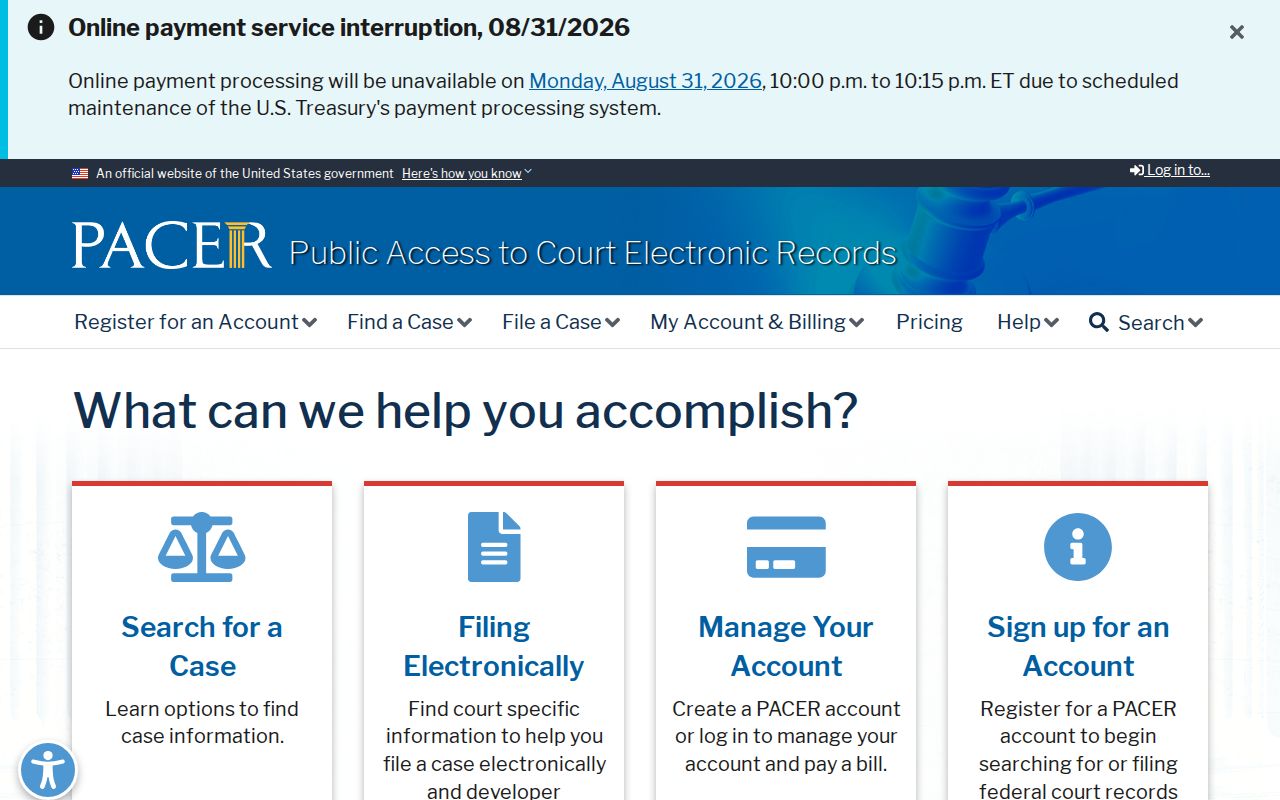
None of this changes where a Seneca County state-court file belongs. That file still goes to the local clerk. The U.S. District Court for the Northern District of Ohio is a separate source for federal district matters.
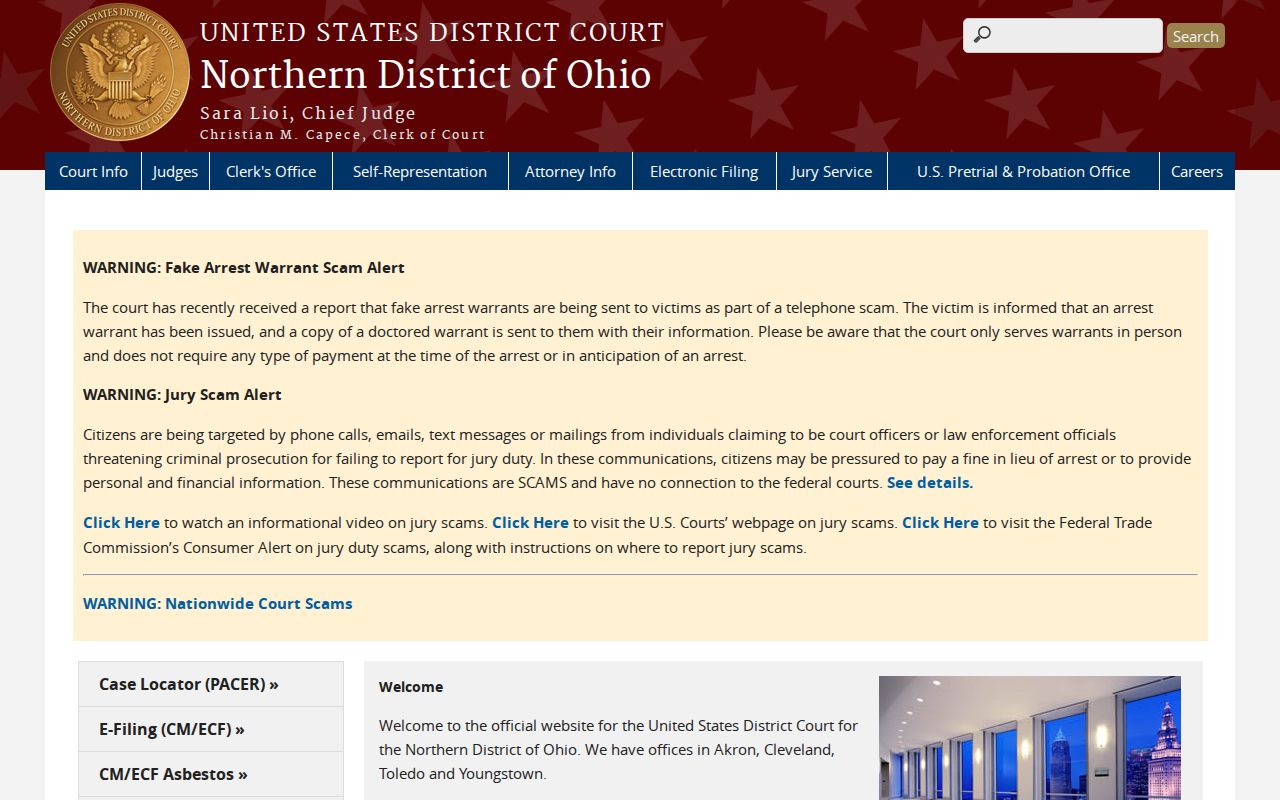
District-court records belong in that federal system, not with a Seneca County clerk. The Northern District of Ohio Bankruptcy Court keeps its own distinct federal bankruptcy record path.
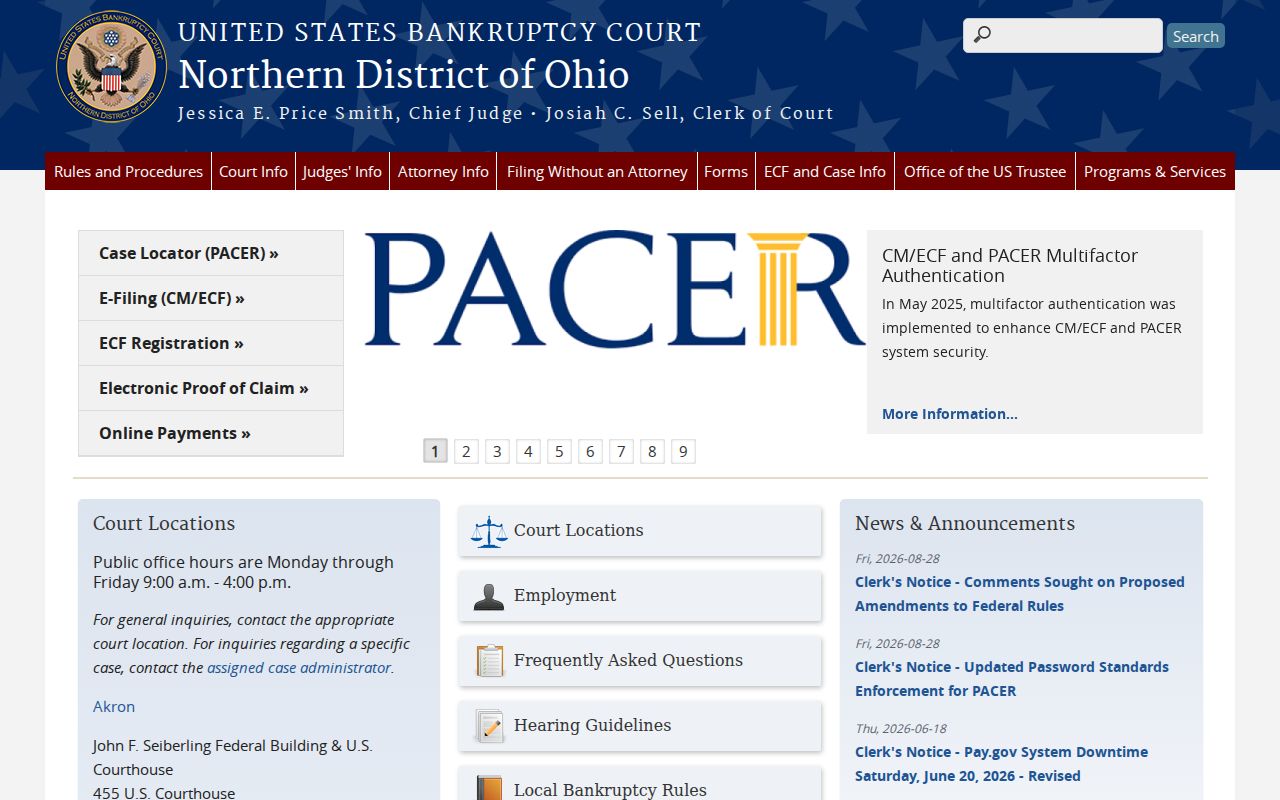
Keeping these custodians straight keeps a local case search from being mistaken for a federal docket search.